
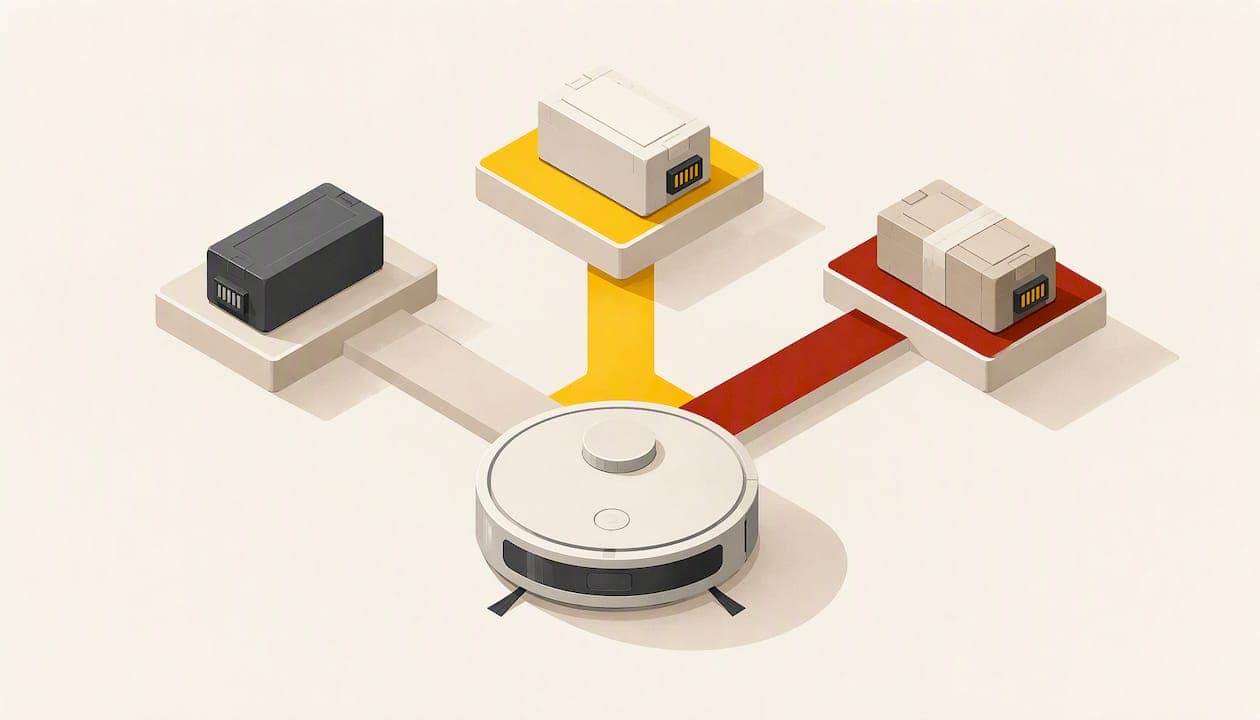
If your robot vacuum stops short of the room, drops back to the dock early or throws a charging error, the battery is usually the first suspect, and in most cases replacing it costs far less than a new robot. You have three realistic routes: a genuine manufacturer battery, a third-party replacement pack, or having the cells in your existing pack replaced. This guide compares them, shows how to tell whether the battery is really the problem, and explains how to swap and dispose of it safely in Germany.
TL;DR
- Test the runtime first. A robot that stops well below the manufacturer's stated minimum, or shows a battery-specific error, needs a new battery. A dirty charging contact does not.
- A well-maintained Roomba battery should last at least 2 to 3 years, according to iRobot's maintenance guidance. Heat, deep discharge and long storage shorten that.
- Your options are a genuine pack, a third-party pack, or a cell replacement in your existing pack. Match chemistry, voltage, connector and fit before you compare price.
- Old batteries do not belong in household waste. Return them to a collection point or a retailer that takes them back.
Table of Contents
- How to tell the battery is really the problem
- How long a robot vacuum battery lasts
- Your three replacement options
- Match the specifications before you compare prices
- How to replace the battery
- Perspective: why we favor repairing the pack when it makes sense
- What AkkuPlus can do for your robot vacuum battery
- Which option fits which owner
- Safe handling and disposal in Germany
- FAQ
- Sources
How to tell the battery is really the problem
A robot vacuum can look like it has a dead battery when the cause is something cheaper. Rule out the simple causes first, because a new pack will not fix a dirty contact.
Run a quick runtime test
iRobot publishes minimum runtimes on hardwood floors in its short battery runtime guidance: 90 minutes for the e series, 75 minutes for the 900, i, j, s and m series, and 60 minutes for the 400 to 800 series. If your robot stops before the figure for its series, replacing the battery is a reasonable next step. Other brands publish their own figures, usually measured under ideal conditions. Roborock, for example, states that the Q7 L5+ cleans up to 150 minutes on one charge in its internal tests and notes that real results depend on conditions. Treat these numbers as a ceiling, and compare your robot against its own performance when it was new.

The test only means something under fair conditions. Use a hard floor, a clean brush and a full charge. Thick carpet, tangled hair on the brush roll and a high suction mode all shorten runtime without any fault in the battery.
Read the error codes
On Roombas, a few codes point straight at the battery. iRobot's German charging error chart identifies errors 9 and 11 as battery failures that may require replacement, and error 114 as an internal battery failure that does require it.
Errors 4 and 5 are different. For these, iRobot Germany recommends that you check the plug, clean the charging contacts, look for damaged or recessed contacts, and remove and reseat the battery before contacting support. Do this before you order anything. If you have already fitted an aftermarket pack and now see unexplained charging errors, note that iRobot warns that non-genuine batteries can cause exactly that.
Signs that point to age
- Runtime has fallen steadily over months rather than suddenly.
- The robot returns to the dock mid-job and is still far from finished.
- It shows a full charge but shuts off under load.
- The battery or its compartment feels warm after charging, or the case is swollen. In that case stop using it and replace it.
How long a robot vacuum battery lasts
For Roombas, iRobot says a properly cared-for battery should last at least 2 to 3 years. The same page links longevity to a handful of habits: charging at room temperature, keeping the robot clean, recharging promptly after use and storing it correctly during longer breaks.
In practice that means:
- Do not leave the robot flat for weeks. A deeply discharged lithium-ion pack ages faster.
- Do not park the dock next to a radiator or in a sunny window.
- If you go away for a long stretch, follow the manufacturer's storage advice rather than leaving the robot to drain on its dock.
A robot that runs daily completes more charge cycles, so expect the lower end of the range. One that runs twice a week may outlive it.
Your three replacement options
This is the decision that matters most. Each route suits a different owner.
| Option | Best for | Strengths | Watch out for |
|---|---|---|---|
| Genuine manufacturer battery | Newer robots, owners who want zero compatibility doubt | Correct fit and communication with the robot's electronics | Often the highest price; availability falls as models age |
| Third-party replacement pack | Older robots with discontinued original packs | Usually cheaper, wide model coverage | Quality varies; mismatched specifications can cause charging errors |
| Cell replacement in your existing pack (rebuild) | Hard-to-find packs, NiMH packs, robots with unusual connectors | Keeps your original housing, connector and electronics; works when no off-the-shelf pack exists | Needs a service provider or soldering skills; turnaround time |
Genuine battery
iRobot's advice is clear: use an authentic iRobot Li-ion or NiMH battery, and check the model against its compatibility chart for the correct type and capacity. Its German page on Roomba features and compatible parts lists battery types and capacities by model and series. If your robot is under warranty or fairly new, this is the safest choice, and you should confirm the exact model number before ordering, since packs differ between series.
Third-party pack
Third-party packs exist for most popular robots, and for older models they are often the only pack still sold. The risk is not that they all fail. It is that specifications differ, and a pack that is almost right can misbehave. iRobot states that aftermarket or counterfeit batteries can produce charging errors, including battery communication errors. If you go this way, buy from a seller that lists chemistry, nominal voltage, capacity and connector type openly and offers a return window, and avoid listings that only say "compatible with many models".
Cell replacement in your existing pack
When the pack is the problem but the housing, connector and electronics are fine, the cells inside can be replaced. This is how many owners keep older robots alive when the original pack is out of production or the connector is unusual. It is also the natural route for NiMH packs, which are common in older robots. We cover that service in more detail below.

Match the specifications before you compare prices
A cheaper pack that does not fit is the most expensive mistake in this category. Check these points in order.
- Exact model. Look at the label on the underside of the robot or in the app, not just the product name. Series names cover several hardware generations.
- Chemistry. Li-ion and NiMH are not interchangeable in the same robot, and the charger inside the robot is built for one of them.
- Nominal voltage. It must match. Robot packs differ by voltage, and a wrong value can damage the electronics.
- Capacity (mAh or Wh). A higher capacity pack of the right voltage and size can give longer runtime, but only if it physically fits and the robot accepts it. Voltage and fit come before capacity.
- Connector and lead length. A pack with the right numbers but a different plug is useless without modification.
- Physical size. Compartments are tight. A few millimeters matter.
A higher mAh figure on a listing is not automatically better. Cheap packs sometimes print capacity numbers that real cells cannot deliver, so be wary of a large capacity at an unusually low price.
How to replace the battery
The procedure depends on the model, so use the manufacturer's instructions for yours. The general pattern for Roombas, as described on iRobot Germany's page on removing the battery, is to turn the robot over, remove the corner brush and the screws of the bottom cover, then lift off the cover and take out the battery. On i1, i3, i5 and Combo i5 versions there is a battery compartment cover instead of a full bottom plate, so the job is simpler.
Other brands follow a similar logic, usually with a few more screws or a clip-on bottom shell. A step-by-step video for your exact model is worth watching before you open it.
Before you start
- Switch the robot off and take it off the dock.
- Work on a clean, flat, non-conductive surface, and keep screws in a small dish.
- Photograph the wiring and the cable routing before you disconnect anything.
- Use a proper screwdriver for the screw type, to avoid stripping heads.
Fitting the new pack
- Disconnect the old battery's connector gently, pulling on the plug and not the wires.
- Compare the old and new packs side by side: shape, connector, polarity of the wiring.
- Seat the new battery without pinching any cable under it, then reconnect.
- Close the cover, refit the brush and charge the robot fully before the first cleaning run. iRobot says normal charging takes at least 2 hours.
If you have a pack that needs to be cut out, soldered or re-heat-shrunk, that is the point to hand the job to a specialist rather than improvise. Damaged lithium-ion cells can overheat.
Perspective: why we favor repairing the pack when it makes sense
We work with batteries every day, from single cells to finished packs, and the robot vacuum is a typical case. Most owners assume the choice is either to buy the manufacturer's pack or to throw the robot out. There is a third path that gets overlooked: the housing, connector and electronics of your pack are usually fine, and only the cells inside have worn out.
That is why we offer battery repair, cell replacement and custom pack assembly alongside our shop for batteries and accessories. Our view is simple. Choose the genuine pack when it is available and you want certainty. Choose a rebuild when the original is gone, the connector is unusual, or you would rather keep a good robot than add to the waste stream. In all cases, specifications decide, not the headline price.
— Waldemar Pelich
What AkkuPlus can do for your robot vacuum battery
Our battery repair and cell replacement service covers battery repair, battery tests, custom pack assembly (Konfektionen) and retrofit work for specialized batteries. If your pack is worn but the housing and connector are good, ask us about a cell replacement. If you are not sure the battery is the cause, our battery testing service can help you find out before you spend money on a new pack. Prices depend on the pack, so we do not publish a flat figure here.
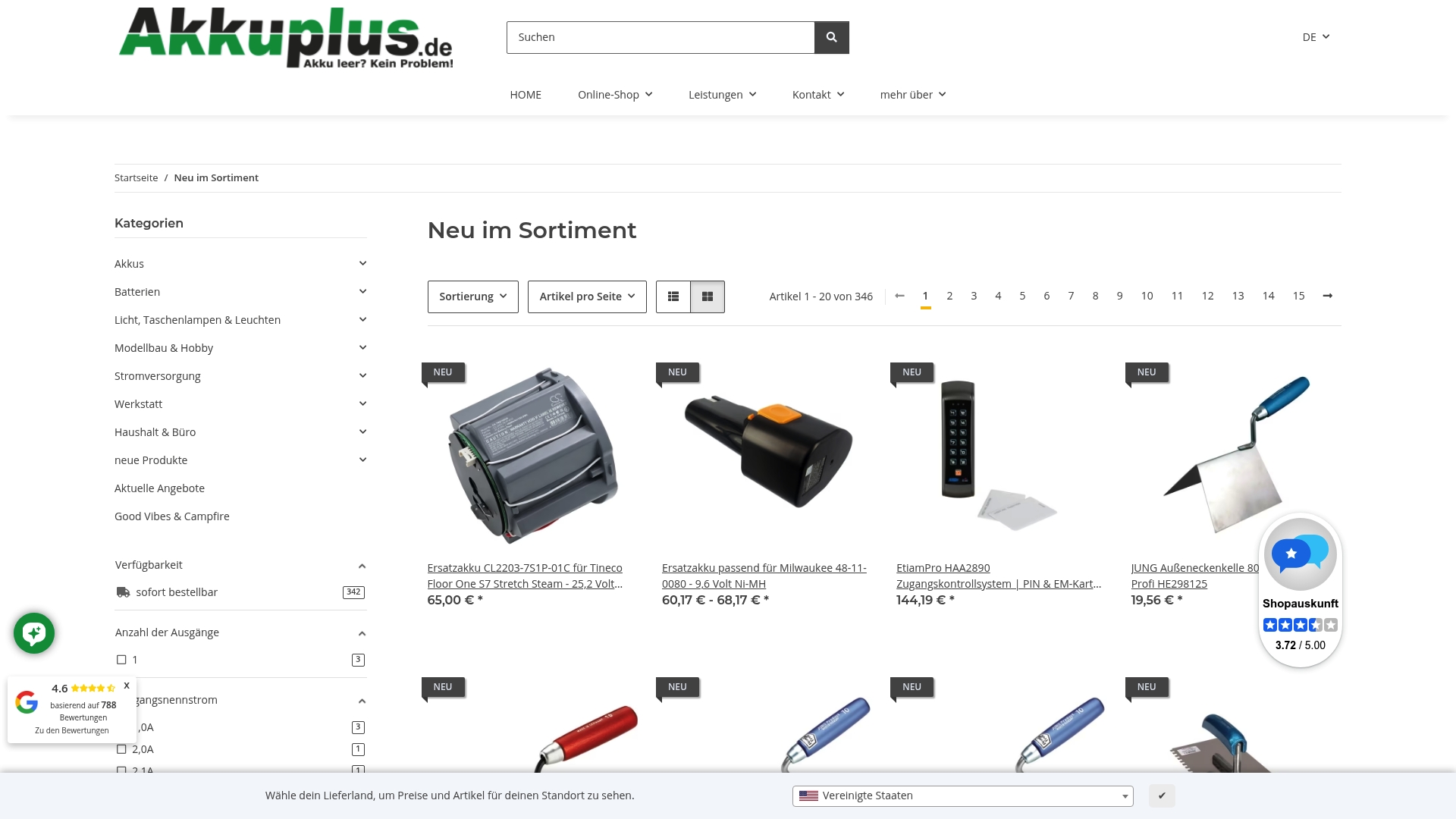
If you are building or refitting a pack yourself, our Akku- und Batteriepacks and Akkus (Einzelzellen) categories list packs and individual cells. A battery tester from our Akku- und Batterietestgeräte range helps you check voltage and condition before and after the swap. Many handheld and cordless vacuums use similar packs, for example this Akkupack for AEG AG64x handheld vacuums, and we cover that segment in our guide to cordless vacuum battery replacement.
Which option fits which owner
Your robot is under two years old and you want no surprises. Order the genuine battery for your exact model.
Your robot is five years old or more and the original pack is hard to find. A third-party pack from a seller with clear specifications, or a cell replacement, will usually make more sense than a new robot.
Your robot uses a NiMH pack or an uncommon connector. A rebuild is often the only clean answer, since off-the-shelf replacements are scarce.
The robot has other problems too. If the brush motor, wheels or mainboard are failing, a new battery will not rescue it. Weigh the total repair cost against a new robot.
Safe handling and disposal in Germany
Batteries are not household waste, and lithium-ion packs deserve extra care.
- Where old devices go. The Umweltbundesamt says old electrical appliances must not go into household, packaging, bulky or metal waste. You can return them free of charge to recycling centers or qualifying retailers.
- Removable batteries. The same page says removable batteries and accumulators should be taken out of old appliances where possible and disposed of separately in battery collection boxes. A robot vacuum with a user-removable battery falls under this advice, so take the old pack out and hand it in separately.
- Fire risk. The Umweltbundesamt notes that lithium-ion batteries pose a fire risk in improper collection and waste streams because of their reactive chemistry and energy density.
In practice, tape over the contacts of a lithium pack or put it in a separate bag before dropping it off, and never hand over one that is swollen or damaged without telling the staff. Retailers that sell batteries have to take old ones back, and most supermarkets and DIY stores have a collection box at the entrance.
FAQ
How much does a robot vacuum battery cost?
It depends heavily on the robot, the chemistry and whether you choose a genuine, third-party or rebuilt pack. Genuine packs for current models are typically the most expensive, and third-party packs for older models are usually cheaper. Check the current price for your exact model number with the seller, and compare it with a cell replacement quote before you decide.
Can I use a higher-capacity battery than the original?
Only if voltage, chemistry, connector and size match. A higher capacity can add runtime, but a pack that is almost right can cause charging errors or damage the electronics. If the listing does not state the nominal voltage and connector, do not buy it.
Is a third-party battery safe?
A well-made pack with the correct specifications can work well, but quality varies. iRobot warns that aftermarket and counterfeit packs can cause charging errors, so buy only from sellers that publish full specifications and offer returns. Stop using any pack that overheats or swells.
How do I know if the battery or the charging dock is at fault?
Clean the charging contacts on both robot and dock, try a different outlet, and reseat the battery. If the robot still reports a battery error, or its runtime is far below the manufacturer's minimum, the battery is the likely cause. A battery test can confirm it before you buy.
Where do I dispose of the old battery?
Take it out of the robot and hand it in at a battery collection box in a store or at a municipal recycling center. Do not put it in household waste.
Sources
- iRobot: Battery maintenance tips for Roomba
- iRobot: Short battery runtime, all Roomba and Braava models
- iRobot: What battery is supposed to be in my robot
- iRobot Germany: Charging error chart
- iRobot Germany: Charging errors 4 and 5
- iRobot Germany: Removing the battery
- iRobot Germany: Roomba features and compatible parts
- Roborock Germany: Q7 L5+
- Umweltbundesamt: Wohin mit dem Elektroschrott?
- Umweltbundesamt: Prüfung der Einführung einer Pfandpflicht
Recommended
- Replacement Battery - iRobot Roomba 500 Series - 14.4 Volt 3300mAh Ni-MH
- Replacement Battery - iRobot Roomba 400 Series - 14.4 Volt 3300mAh Ni-MH
- Replacement Battery - CS-ERV700VX - Hoover EV729 / Shark SV70Z - 14.4 Volt
This article was created with the assistance of Artificial Intelligence (AI) and has been reviewed by our editorial team. Despite careful preparation, we assume no liability for the completeness, accuracy, or timeliness of the information provided. The technical data and specifications supplied by the respective manufacturer shall always prevail.