
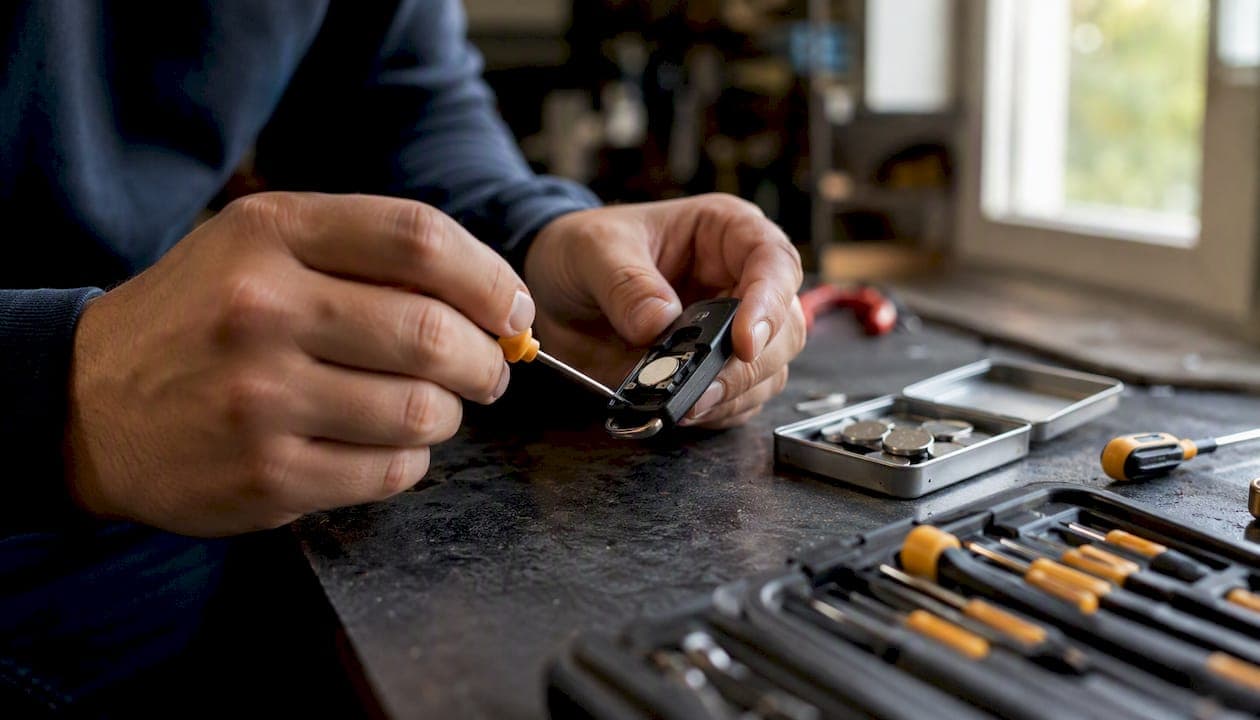
Most car key fobs run on a 3-volt lithium coin cell, and if you had to guess one number, guess CR2032. It's the most widely used size across remotes and proximity keys, but plenty of vehicles use a CR2025 or CR2016 instead, and a handful of older or compact remotes still take a CR1632 or a 12-volt A23 cell.
Before you buy anything, do three things:
- Pop the fob open and read the four-character code printed directly on the old battery.
- Check your owner's manual under "key fob" or "remote battery" for the exact part number.
- If you're still unsure, run your vehicle's year, make, and model through an online key-fob battery finder.
Once you know the code, the actual swap takes minutes. Here's the short version:
- Open the fob case (usually a coin slot or small tab release).
- Note which side of the old battery faces up.
- Swap in the new cell facing the same direction.
- Test the fob's range before snapping the case shut.
Everything below covers the details behind each of those steps, plus the reference table you'll want bookmarked next time this comes up.
Key Takeaways
Most car key fobs run on a 3-volt CR-series lithium coin cell, and confirming the exact code before buying prevents nearly every fit or performance problem.
| Point | Details |
|---|---|
| CR2032 is the default | It's the most common car key fob battery, but always confirm on the stamped code first. |
| Thickness limits swaps | CR2032 and CR2025 share voltage and diameter but differ by 0.7mm in thickness, which can prevent a proper fit. |
| Test before you troubleshoot further | A voltage check on the new cell rules out a bad battery before you suspect the fob's electronics. |
| Dispose of cells responsibly | Recycle spent coin batteries at a drop-off point rather than household trash. |
| Buy the exact size from Akkuplus | Akkuplus carries CR2032, CR2025, CR1632, CR1220, and CR2430 cells plus battery testers for confirming fit and charge. |
Table of Contents
- Identifying the exact car key battery type your fob needs
- Common coin-cell types used in key fobs and what the codes mean
- Step-by-step: safely replace the battery in your car key fob
- Do's and don'ts: battery safety, storage, and disposal
- Using vehicle-specific charts to confirm your fob's battery
- If a fresh battery doesn't fix the fob, check these next
- Where to buy the right coin cell and simple tools
- Sources
Identifying the exact car key battery type your fob needs
Reading the code on the battery itself is the fastest, most reliable method. Every lithium coin cell has its size and chemistry stamped right on the flat face, something like "CR2032" or "CR2025." That code isn't a brand name. It's a spec, and it works the same across every manufacturer, which means you don't need to know what battery came in the fob originally. You just need to read what's already inside it.
If the fob is already dead or you can't read the worn stamp, your owner's manual is the next best source. Most manufacturers list the exact fob battery under maintenance or specifications, often alongside the tire pressure and fuse chart. When neither option works (used vehicle, missing manual, unreadable code), an online key-fob battery finder that asks for year, make, model, and trim will usually narrow it down in seconds, since key fob battery compatibility often depends on trim level, not just the model name.
Opening the fob itself is simple but easy to botch if you rush it. Most cases split along a seam you can pry with a coin or a small flathead screwdriver, and some have a tiny tab you press first with a paperclip. Go slow around the edges. The plastic clips are brittle, and forcing one side too hard can crack the housing or snap a clip that's holding the button-pad ribbon in place.
Pro Tip: Read the CR code left to right: "CR" means lithium manganese dioxide chemistry, the next two digits are the diameter in millimeters, and the last two are the thickness in tenths of a millimeter. CR2032 is 20mm across and 3.2mm thick. CR2016 is the same 20mm diameter but only 1.6mm thick, half as tall as a CR2032.
Common coin-cell types used in key fobs and what the codes mean
Four sizes cover the overwhelming majority of key fobs on the road. Here's how they stack up:
The CR2032 is the workhorse of the automotive coin-cell world, found in the widest range of remotes, from basic lock/unlock fobs to full proximity keys. CR2025 shows up in slimmer key designs where the extra 0.7mm of thickness won't fit the compartment. CR2016 and CR1632 tend to appear in smaller, older, or minimalist remotes with fewer buttons and less circuitry to power. Some older rectangular remotes, particularly on trucks and a few import models, use a 12-volt A23 battery instead of a coin cell entirely, so don't assume every fob follows the CR pattern.
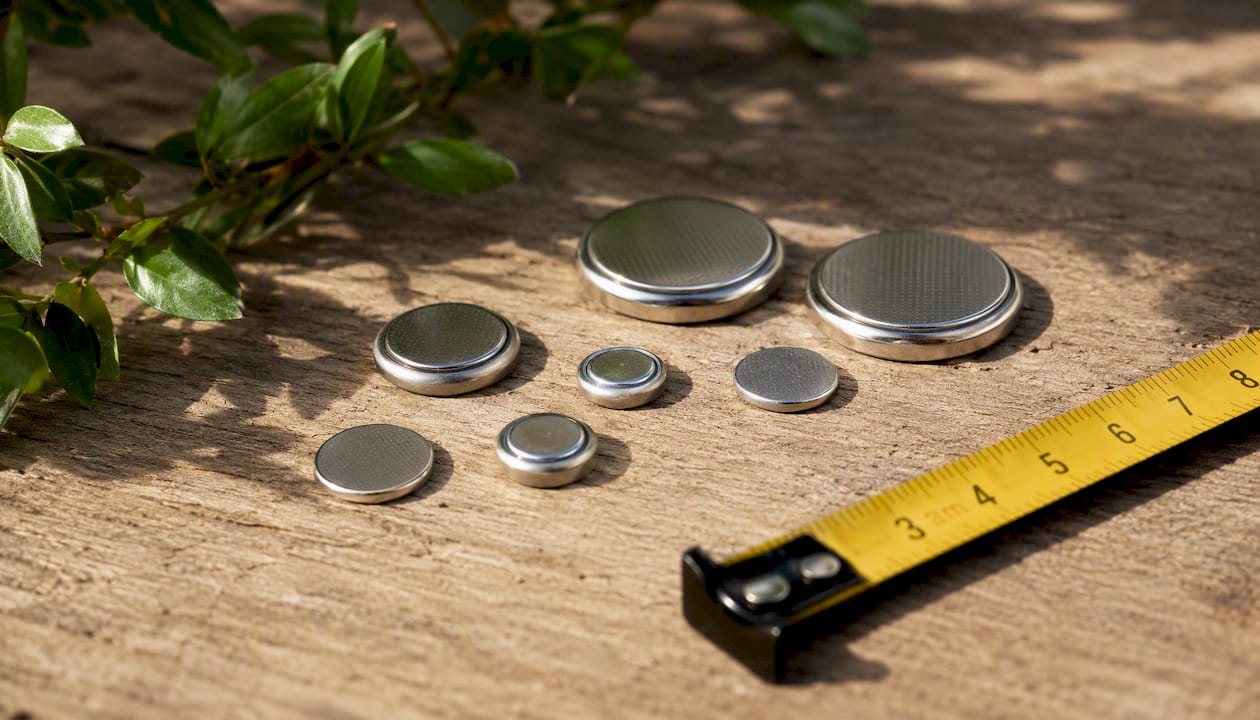
Interchangeability has one hard limit: thickness. CR2032 and CR2025 share the same 20mm diameter and 3-volt output, so it's tempting to think one can always sub for the other. It usually can't, or at least not reliably. Swapping in a CR2032 where a CR2025 belongs can stress the battery contacts or simply refuse to close the case, since that extra 0.7mm has to go somewhere. If a fob calls for a CR2025 or CR2016, buy that exact size rather than assuming a "close enough" fit will work.
Step-by-step: safely replace the battery in your car key fob
Swapping a fob battery is genuinely one of the simplest DIY jobs in car ownership. Most people finish in five to seven minutes using nothing more than a coin or a small screwdriver.
- Locate the fob's release, usually a small button, slide latch, or seam you pry open.
- Separate the case halves gently, working around the edge rather than prying one spot hard.
- Note the orientation of the old battery before removing it. Snap a quick phone photo if you want a backup reference.
- Pop the old cell out with a fingernail or the flat edge of a small screwdriver.
- Wipe the metal contacts inside the fob with a dry cloth if you see any dust or light corrosion.
- Insert the new battery facing the same direction as the old one. The positive (+) side usually faces up, toward the buttons.
- Press the case halves back together until the clips click.
- Test the fob's lock, unlock, and panic buttons from a normal standing distance before you drive off.
A few things to keep in mind while you work. Don't let the battery touch metal tools or coins for extended periods; a short circuit can drain a fresh cell fast or generate heat. Keep loose batteries away from kids and pets, since coin cells look enough like candy to be a real swallowing hazard. And if the fob still doesn't respond after reassembly, try flipping the battery orientation or cleaning the contacts again before assuming something else is wrong.
Do's and don'ts: battery safety, storage, and disposal
Coin lithium batteries are small enough to feel harmless, but they carry real risks if handled carelessly.
Do:
- Buy from a reputable seller rather than an unlabeled bulk pack of unknown origin.
- Keep spares in their original packaging until you're ready to install them.
- Note the correct orientation before you remove the old cell.
- Recycle used cells at a battery drop-off point or retailer collection bin.
Don't:
- Heat, puncture, or crush a coin cell, used or new.
- Toss coin batteries in household trash, where they can leak or spark in compactors.
- Force a battery that doesn't match the fob's stamped code into the compartment.
- Leave loose cells within reach of small children or pets.
Swallowed lithium coin cells are a genuine medical emergency, not just a choking risk. They can burn through tissue within hours if lodged in a child's esophagus. If a battery goes missing while you're working, assume it's somewhere it shouldn't be until you've confirmed otherwise.
Most municipalities and electronics retailers accept spent coin cells for recycling at no charge. It takes an extra five minutes compared to tossing one in the trash, and it keeps the lithium and metal out of landfills where it doesn't belong.
Using vehicle-specific charts to confirm your fob's battery
Year and trim level change more than you'd expect. A base-model version of a car might ship with a simple lock/unlock remote running a CR2032, while the same model's upgraded trim with push-button start and proximity sensing might use a completely different cell to handle the extra range and circuitry. This is exactly why generic "all Fords use X" advice falls apart in practice.
A simplified example of how this plays out:
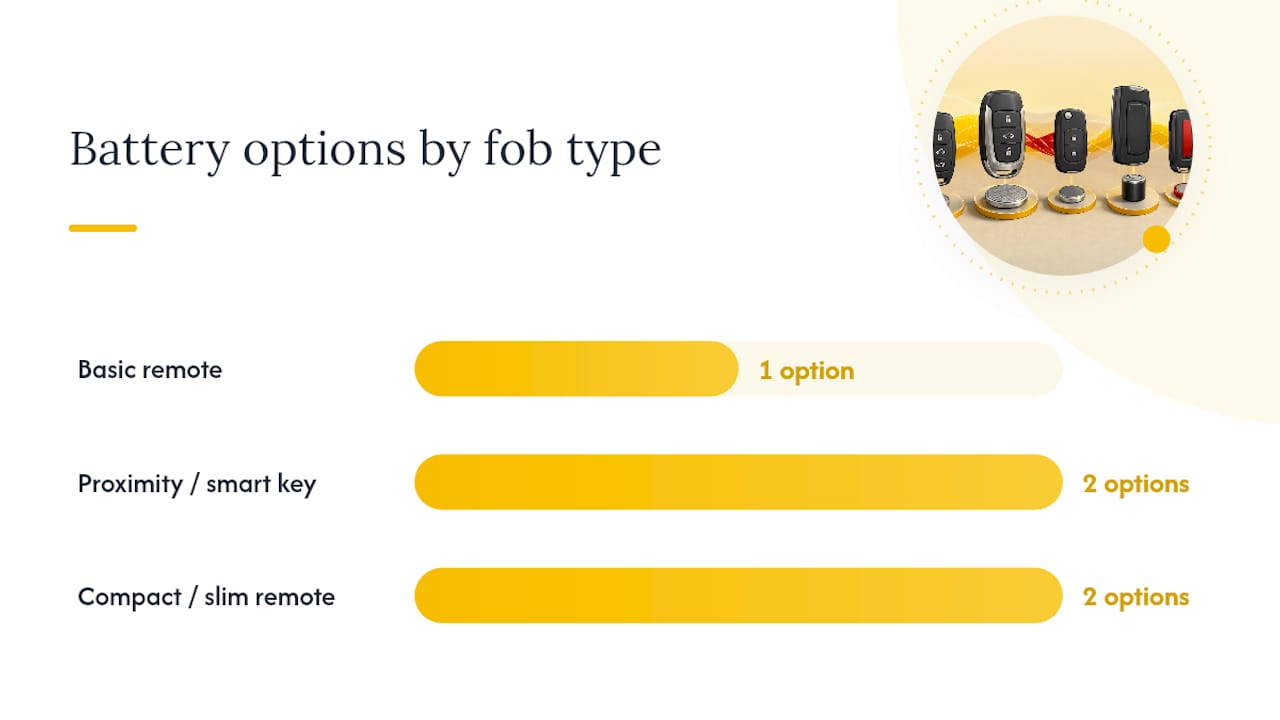
| Fob Type Example | Common Feature Set | Typical Battery |
|---|---|---|
| Basic remote (lock/unlock only) | 2 to 3 buttons, no proximity sensing | CR2032 |
| Proximity/smart key | Push-button start, passive entry | CR2032 or CR2025 |
| Compact/slim remote | Minimal buttons, thinner housing | CR2016 or CR1632 |
Pro Tip: When you use an online battery finder, enter the trim level if the tool asks for it, not just the year and model. Two trims of the same vehicle in the same model year can legitimately call for different battery sizes, and skipping that field is the most common reason people end up with the wrong cell.
If a fresh battery doesn't fix the fob, check these next
If you've installed a new CR2032 (or whatever size your fob takes) and it still isn't working, the battery probably isn't the problem anymore. Run through this order:
- Confirm the battery is actually oriented correctly. It's the single most common mistake on a fresh install.
- Remove and reseat the cell to make sure it's making full contact with both terminals.
- Look for corrosion, dust, or a bent contact spring inside the compartment.
- If you own a battery tester, check the new cell's voltage. A healthy CR2032 should read close to 3 volts; anything meaningfully lower means a bad battery, even a new one.
- Test each button individually. Worn rubber contact pads under frequently used buttons (lock and unlock especially) fail before the battery does on older fobs.
- Try your vehicle's mechanical backup entry method if the fob is completely unresponsive. Many modern vehicles let you unlock or start with the fob held against a specific spot near the ignition or steering column even with a dead cell inside.
Modern dashboards often help you diagnose this before you even open the fob. Many vehicles trigger a "Key Fob Battery Low" dashboard alert once cell voltage drops below roughly 2.6 volts, well before the fob stops working entirely. If you're seeing that warning but a fresh battery doesn't clear it, that's a signal worth mentioning if you call a professional.
If the checklist above doesn't resolve it, the issue has likely moved from "battery problem" to "electronics problem," meaning corrosion damage, a cracked circuit board, or a worn button contact. At that point, a locksmith or dealership can diagnose and often reprogram the fob if needed. When you call, describe exactly what you've already tried: new battery installed, contacts cleaned, voltage tested, buttons checked individually. That saves diagnostic time and usually saves you money on the visit. Checking a locksmith's reviews and credentials beforehand is worth the two minutes it takes.
A quick take on DIY versus calling a pro
Replacing a coin cell is about as low-risk as car maintenance gets. Most owners can do it safely with a coin and five minutes, and there's no reason to pay a dealership service fee for something that simple. Where I'd draw the line is physical damage: a cracked circuit board, a fob that's been through a wash cycle, or buttons that feel mushy and unresponsive even with a fresh, tested battery installed. That's not a battery problem anymore, and no amount of careful reseating fixes a corroded PCB trace. A locksmith or dealer visit at that point costs more than a battery, and it may include reprogramming the fob to the vehicle's immobilizer system, but it's the faster and safer route once the problem is clearly electronic rather than electrical.
Where to buy the right coin cell and simple tools
Akkuplus stocks the CR-series coin cells that cover nearly every fob on the road, along with battery testers that let you confirm a cell's voltage before you assume it's the problem.

If your fob takes something less common than a CR2032, Akkuplus carries those too, including the Camelion CR1220 for slim remotes and the Panasonic CR1216 for compact electronics that use even thinner cells. For vehicles with larger fob housings, the Duracell CR2430 offers higher capacity where the compartment allows it. Pair whichever cell you buy with a battery tester so you can rule out a bad battery in seconds instead of guessing after a failed swap. Grab a spare while you're at it. The next fob battery warning always seems to show up at the worst possible time, and having one in a drawer means a five-minute fix instead of a delayed one. Browse the full coin-cell lineup on the Akkuplus site and order the exact size your fob needs.